

Mar . 10, 2026
The question of whether you can use inkjet photo paper in a laser printer often arises as users seek versatility and cost-effectiveness. While it might seem like a simple swap, the technologies behind inkjet and laser printing are fundamentally different. This article delves into the compatibility, potential risks, and best practices for navigating this scenario. Understanding these nuances can save you from damaging your printer and wasting valuable materials. We’ll explore the key differences between paper coatings and their impact on laser printer functionality.
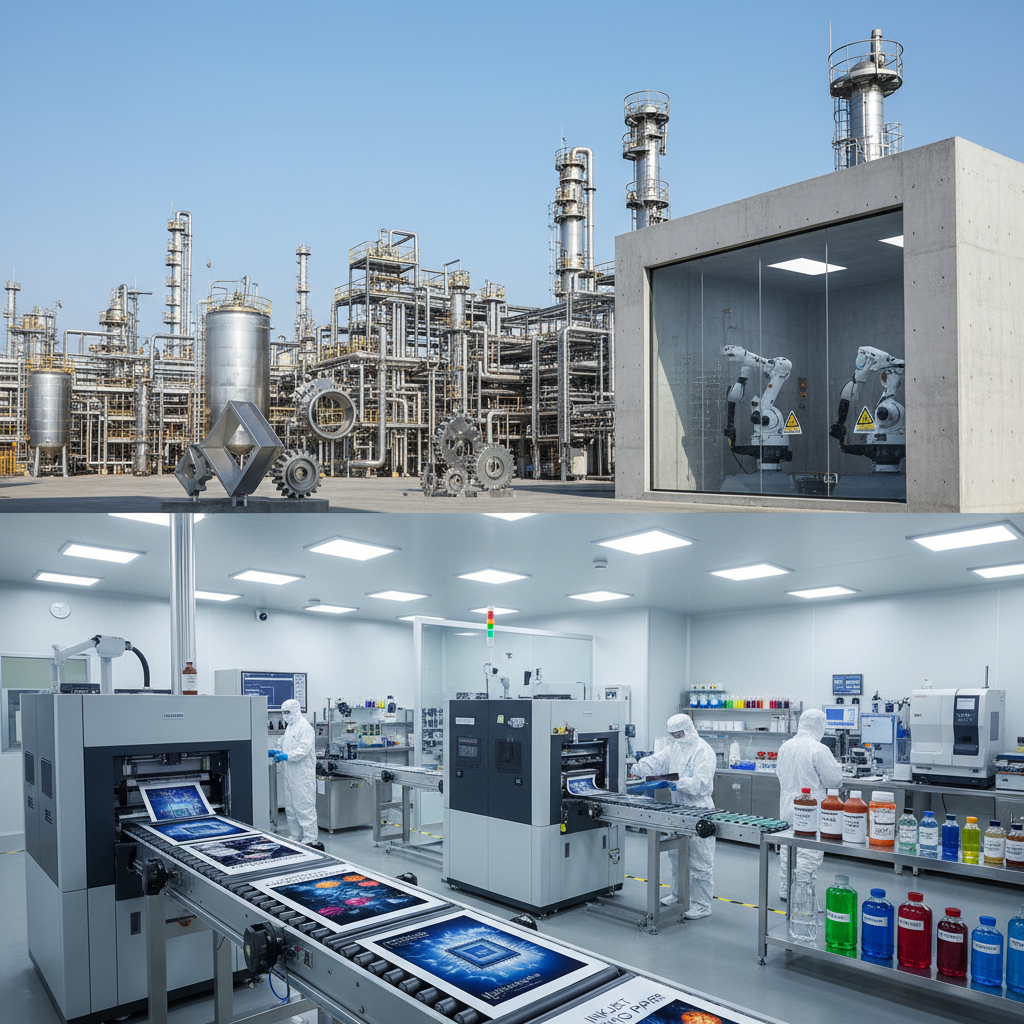
Inkjet printers use liquid ink applied through tiny nozzles, relying on the paper's surface to absorb the ink. Inkjet photo paper is specifically coated to enhance ink absorption, color vibrancy, and prevent feathering. Laser printers, on the other hand, utilize toner – a dry powder – and heat to fuse the image onto the paper. The heat and pressure can react negatively with the coatings found on inkjet photo paper, potentially damaging the printer and creating a fire hazard. The fundamental difference lies in how the image is fixed to the paper: absorption versus fusion. Using the incorrect paper type can lead to a range of issues, from poor print quality to mechanical failures.
Key Takeaway: Laser printers rely on heat fusion, while inkjet printers use ink absorption. This difference is crucial when considering paper compatibility.
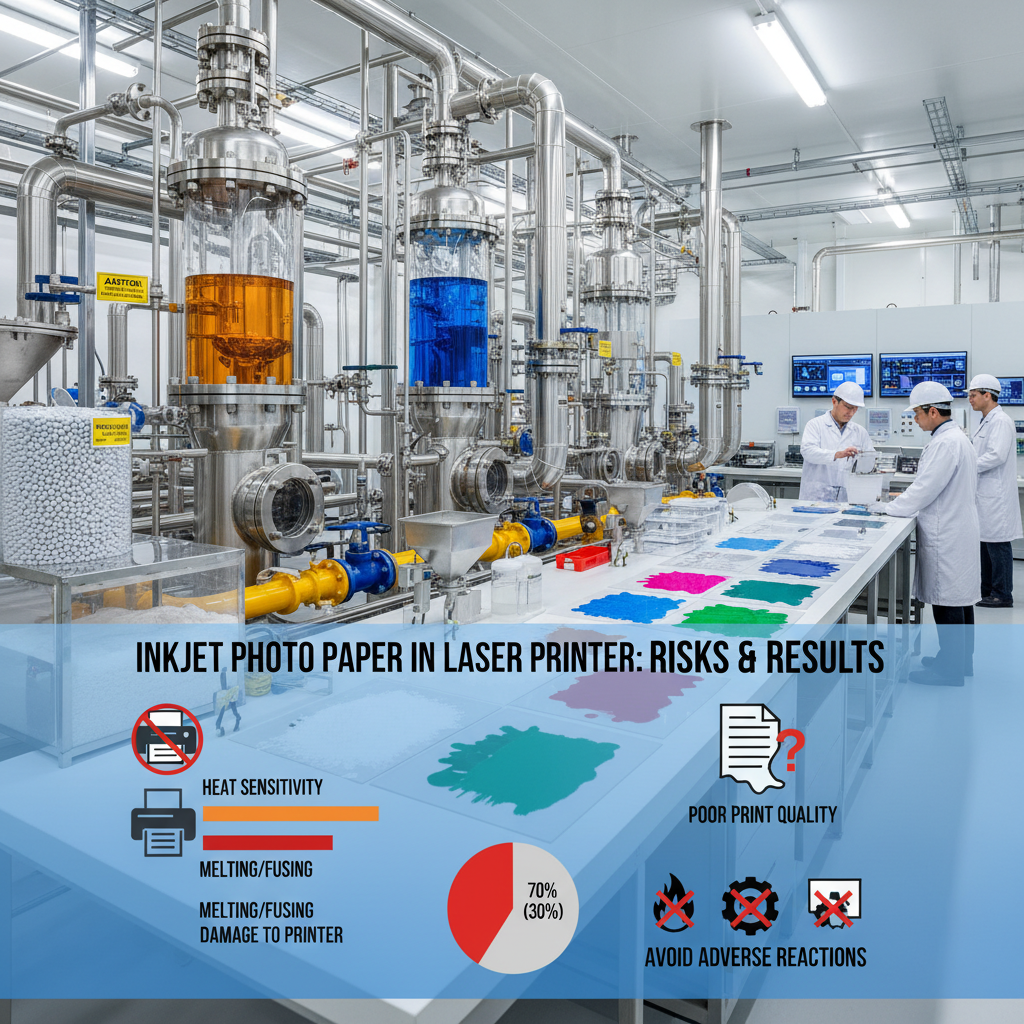
Attempting to use inkjet photo paper in a laser printer carries several risks. The coating on the paper, designed for ink absorption, can melt or off-gas when exposed to the high temperatures within a laser printer. This can cause the paper to stick to the fuser rollers, leading to jams and potentially permanent damage to the printer's internal components. Furthermore, the melted coating can release harmful fumes. In severe cases, it could even create a fire hazard. Always prioritize using paper specifically designed for laser printers to avoid these costly and potentially dangerous outcomes.
Potential Issues:
• Paper jams due to melting coating
• Damage to fuser rollers
• Release of harmful fumes
• Potential fire hazard
Some inkjet photo papers are advertised as having “laser compatible” coatings. However, even these papers should be used with extreme caution. The compatibility often refers to limited use cases, like low-volume printing with specific laser printer models. It's crucial to carefully review the manufacturer’s specifications and conduct a test print on a small, inconspicuous area of the paper before running a large print job. The risk of damage remains, even with these specialized options. Always err on the side of caution and use paper specifically designed for your printer type.
The best practice is always to use paper specifically designed for laser printers. Laser printer paper is engineered to withstand the high temperatures of the fusing process without melting, off-gassing, or causing damage. It’s available in various weights and finishes to suit different printing needs. For high-quality images, look for laser printer paper with a smooth, coated surface. LK International offers a wide range of paper products tailored to laser printers. Choosing the right paper ensures optimal print quality and protects your printer investment.
While the temptation to repurpose materials is understandable, using inkjet photo paper in a laser printer is generally not recommended. The potential risks to your printer and the quality of your prints far outweigh any perceived cost savings. Always prioritize using paper specifically designed for your printer type. Investing in the correct materials ensures reliable performance and extends the life of your equipment. For a range of high-quality laser printer paper, explore the options available at LK International.
Yes, using incompatible paper, such as inkjet photo paper, in a laser printer can void the printer's warranty. Manufacturers specify the acceptable paper types in their warranty terms. Damage caused by using inappropriate materials is typically not covered. Always refer to your printer's manual and warranty documentation for specific details.
For laser printing photos, choose a laser-specific paper with a glossy or matte coating designed for image reproduction. Higher weight papers (e.g., 24 lb or heavier) generally produce better results. Look for papers specifically labeled as “laser photo paper” to ensure compatibility and optimal print quality.
If you're looking for a cost-effective alternative, you can use high-quality laser printer paper with a smooth finish. However, the results won't be as vibrant or detailed as with dedicated laser photo paper. Consider experimenting with different paper weights and finishes to find the best option for your needs. Remember to always confirm that the paper is compatible with your laser printer.
Preventing paper jams involves using the correct paper type, storing paper properly (in a dry place), and avoiding overfilling the paper tray. Ensure the paper guides are adjusted correctly to match the paper size. Regularly cleaning your laser printer, including the fuser unit, can also help prevent jams.
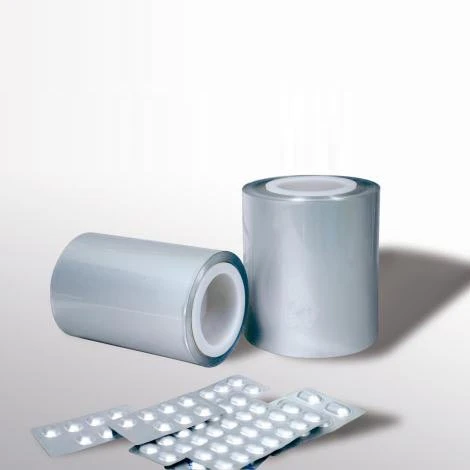
Lucky Medicinal Cold-Forming Composite Material
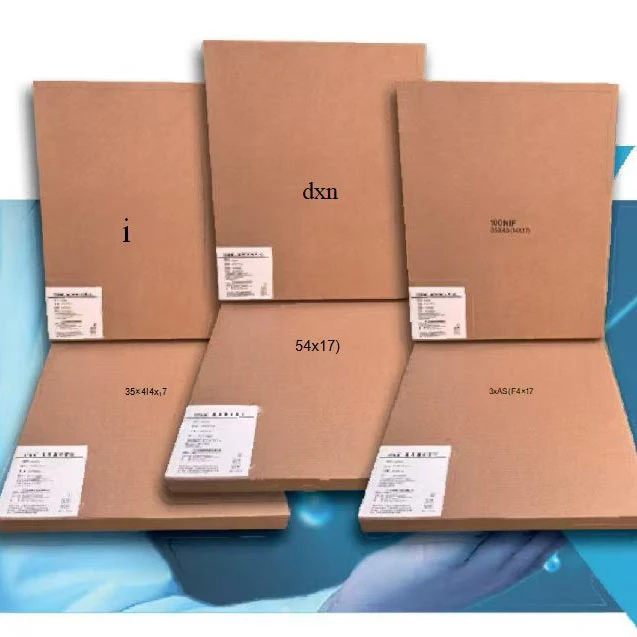
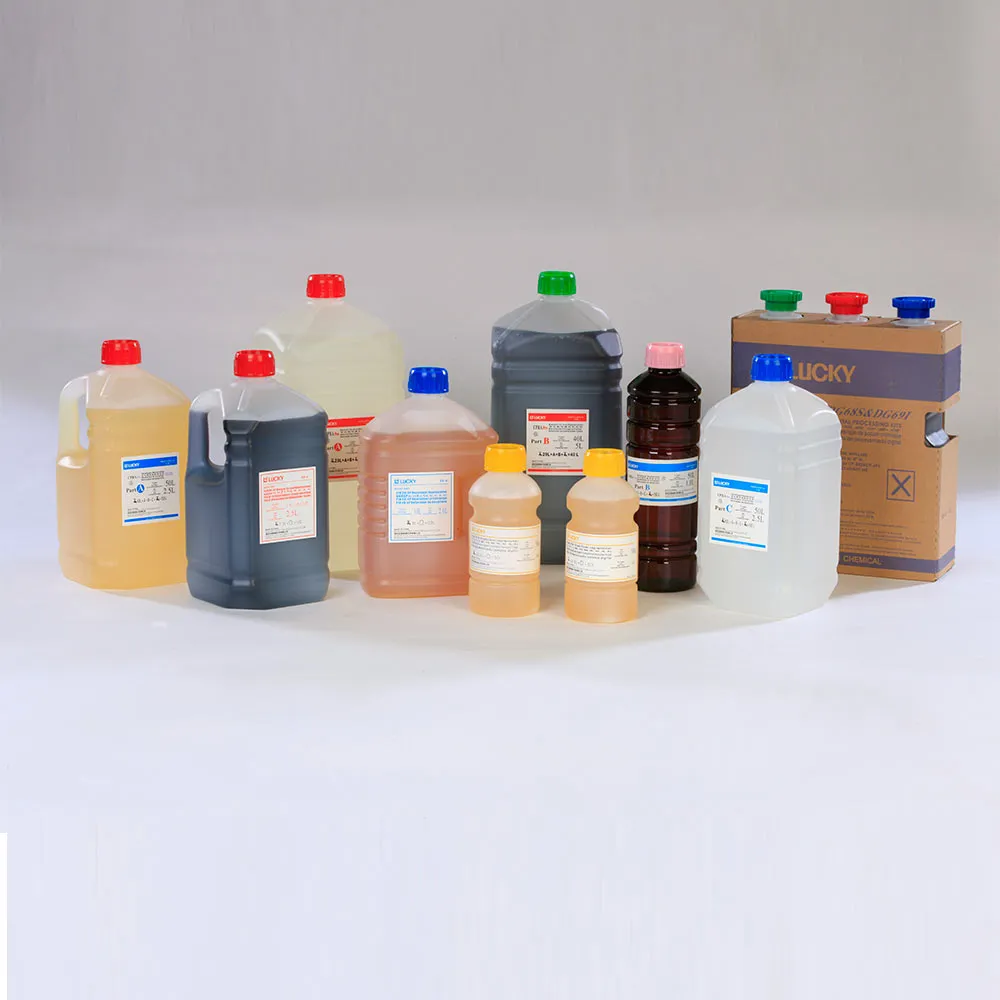
Glossy Photo Pros: Vivid Prints, Archival Paper & Chemicals