

Mar . 08, 2026
Choosing the right paper is crucial for achieving optimal print quality with your inkjet printer. From everyday documents to professional photographs, different inkjet printer paper types offer varying levels of performance. This article will explore the most common types, their characteristics, and when to use them, helping you make informed decisions for your printing needs. Understanding these nuances can dramatically improve your print results and save you money in the long run. We at LK International offer a wide variety of papers to fit your unique requirements.
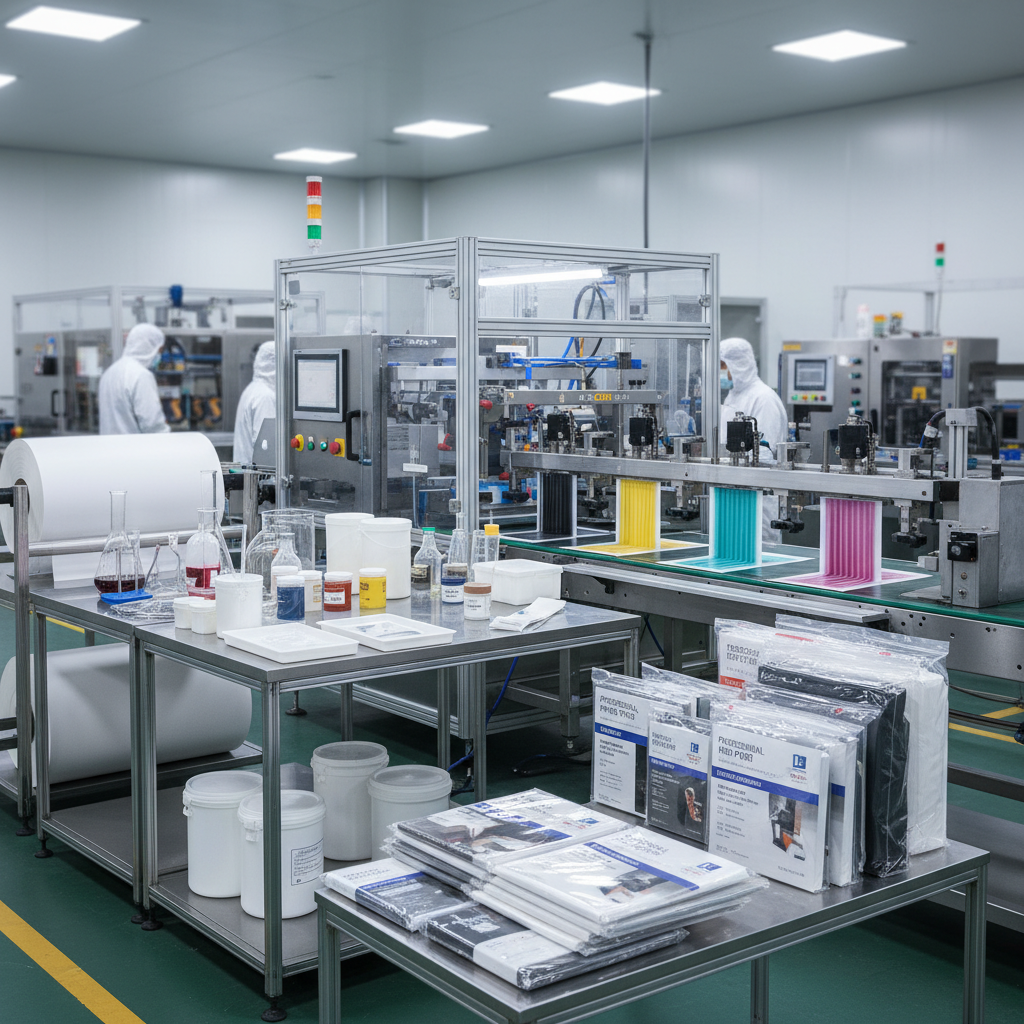
This is the most commonly used type of inkjet paper, typically with a weight of 20lb (75gsm). It's designed for everyday printing tasks like documents, letters, and reports. While affordable and versatile, standard office paper doesn't offer exceptional color vibrancy or detail, and may be prone to bleed-through with heavier ink coverage. It's a good general-purpose option, but not ideal for high-quality images or presentations. For bulk ordering of standard office paper, LK International provides competitive pricing and reliable supply.
Key Highlights: Affordable, versatile, suitable for everyday documents, not ideal for high-quality images.
Photo paper is specifically engineered to deliver exceptional image quality. It features a coating that allows ink to sit on top of the paper rather than being absorbed, resulting in sharper details, brighter colors, and a glossy or matte finish. Different weights and finishes are available, ranging from lightweight glossy photo paper to heavier matte photo paper. This type of paper is essential for printing photos, brochures, and marketing materials where visual appeal is paramount. LK International offers a comprehensive selection of photo papers to suit diverse printing needs.
Photo Paper Benefits:
• Sharper details and brighter colors
• Available in glossy, matte, and satin finishes
• Ideal for printing photos, brochures, and marketing materials
Different inkjet paper types excel in specific applications. Understanding these differences is key to achieving the desired results. Below is a comparison of common inkjet paper types:
Beyond the standard types, several specialty papers cater to specific needs. Canvas paper offers a textured surface ideal for replicating oil paintings. Waterproof papers are perfect for outdoor signage or prints exposed to moisture. Translucent papers can be used for creating stained-glass effects or backlit displays. These specialty papers add a unique touch to your projects and open up new possibilities.
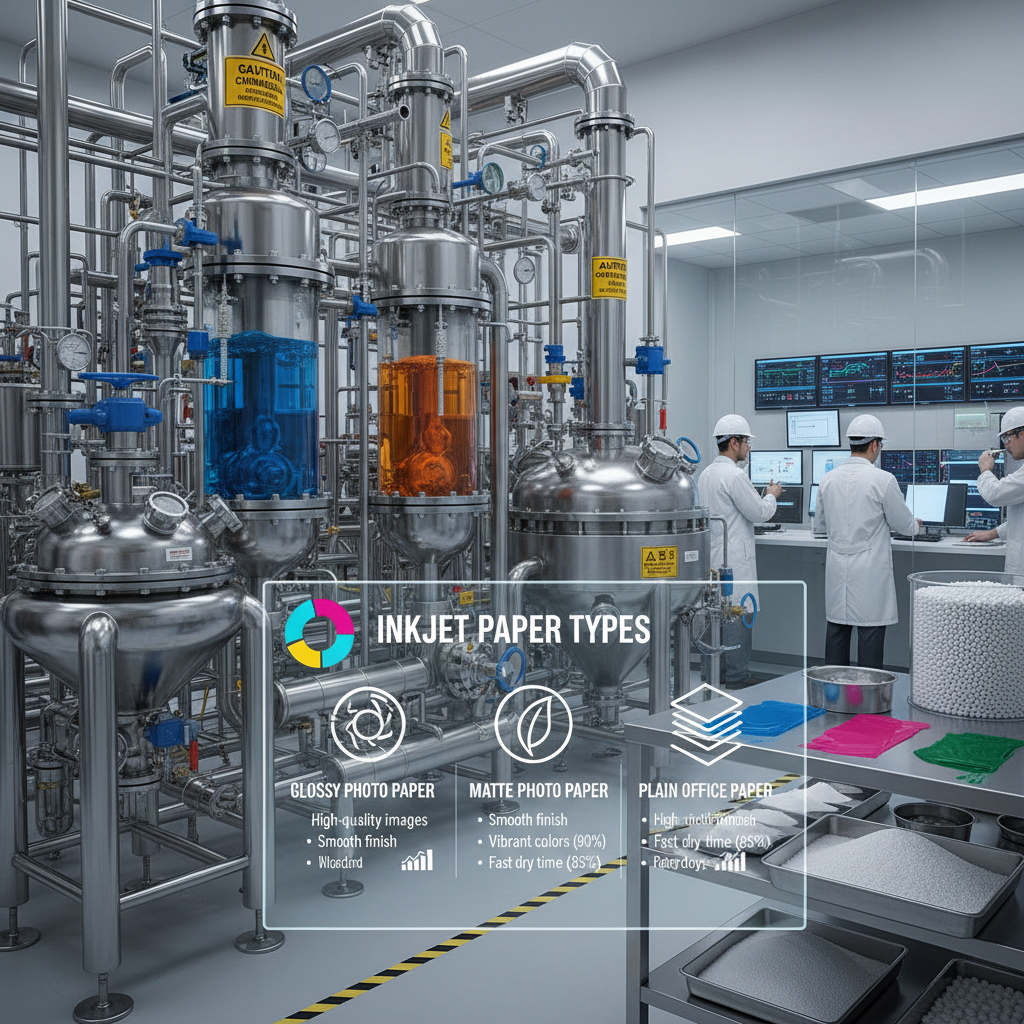
Selecting the appropriate inkjet printer paper type depends on several factors. Consider the type of content you're printing (text vs. images), the desired print quality, and the intended use of the printed material. For critical applications like client presentations or professional photography, invest in high-quality photo paper or premium presentation paper. For everyday documents, standard office paper will suffice. By carefully evaluating your needs, you can ensure optimal printing results and avoid wasting paper and ink.
Understanding the different types of inkjet printer paper and their characteristics is essential for achieving professional-quality results. LK International is your trusted partner for sourcing the perfect paper to meet your specific printing needs. By making informed choices, you can elevate your prints and make a lasting impression.
For a professional-looking brochure, a paper weight between 80lb (110gsm) and 100lb (150gsm) is generally recommended. This provides enough thickness and rigidity to hold its shape well. A glossy or matte finish can enhance the visual appeal, depending on the overall design and intended message. Lighter weights can be used for internal documents or drafts, but heavier weights create a more premium feel.
While technically you can, it’s generally not recommended to use photo paper for everyday printing. Photo paper is more expensive than standard office paper and is designed for high-quality images. Using it for text documents can be wasteful. Additionally, the coating on photo paper can sometimes cause issues with text clarity and readability. Stick to standard office paper for everyday documents and save your photo paper for special projects.
Glossy photo paper provides a vibrant, shiny finish that enhances color saturation and contrast. It's ideal for printing photos with bright colors and sharp details. Matte photo paper, on the other hand, offers a more subtle, non-reflective finish. It’s excellent for prints that will be viewed under bright lights or framed behind glass, as it minimizes glare. Matte paper also tends to be more resistant to fingerprints and smudges.
Store inkjet paper in a cool, dry place, away from direct sunlight and humidity. Keep it in its original packaging or in a resealable container to protect it from moisture and dust. Avoid stacking too much paper together, as this can cause it to warp or curl. If you notice curling, you can try gently bending the paper in the opposite direction to flatten it out before printing.
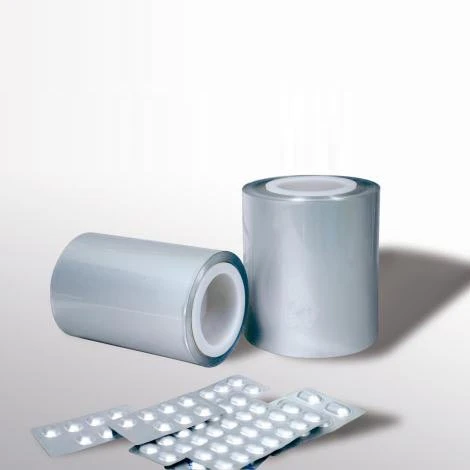
Lucky Medicinal Cold-Forming Composite Material
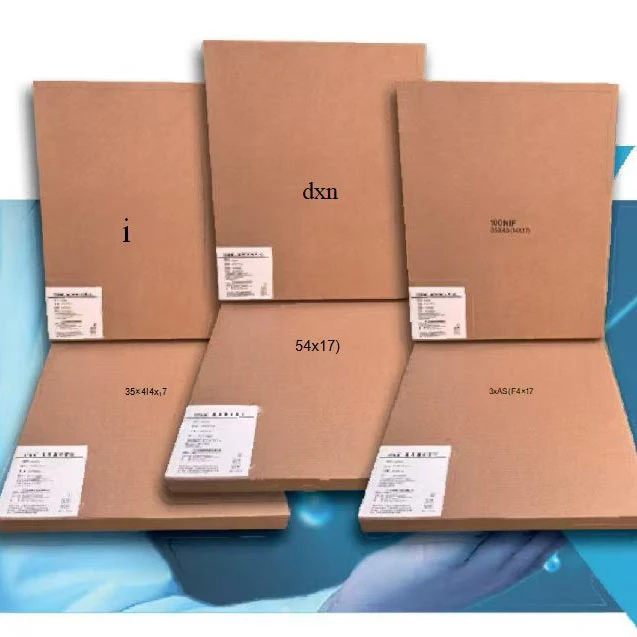
Contrast Agent Optimization Techniques for Medical X Ray Films